TIGHT GAP · LOOKING FORWARD

The gap is tight.See left and right.Drive alonewith confidence.

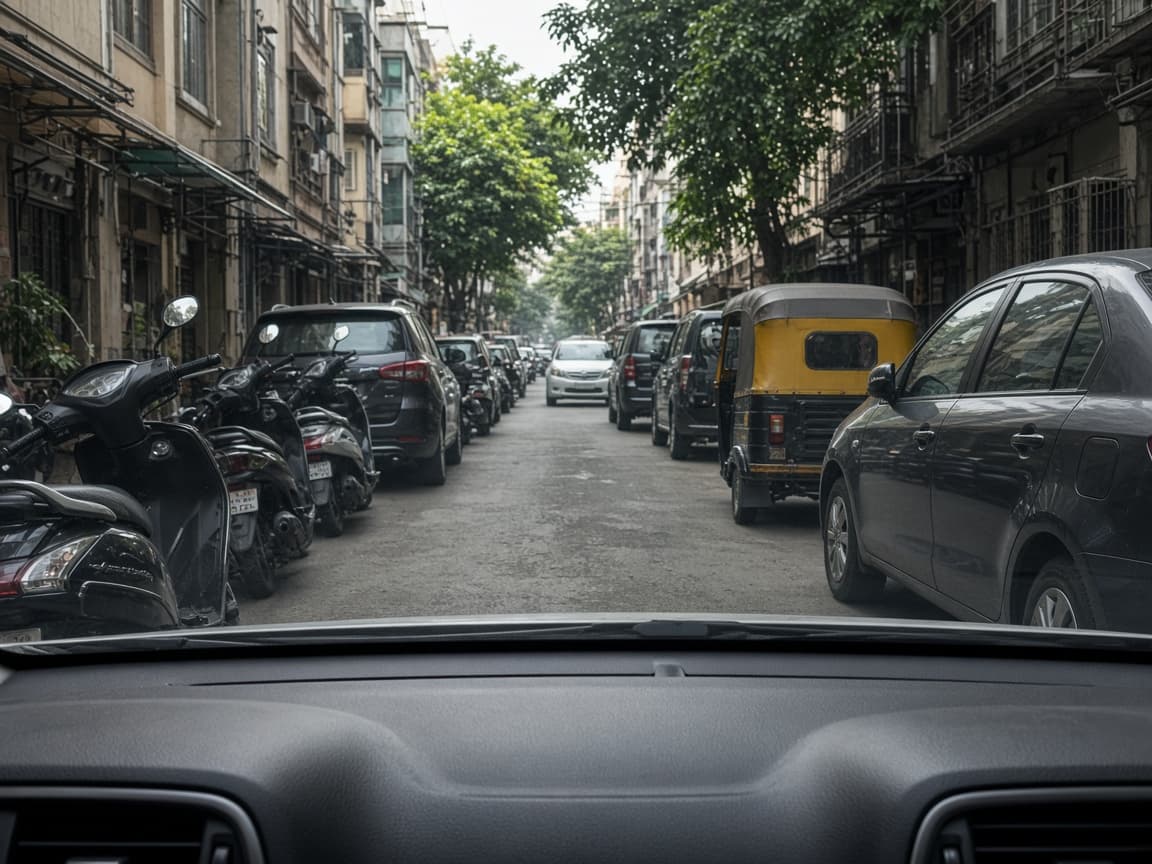
Driver view of a narrow street, scooters and cars close on the left, a car and an auto-rickshaw close on the right
LEFTRIGHT

Any phone with a camera and a browser. Point it through the windshield and open Roadline. Align snaps each guide to the road line or the curb. Then you take the tight pass on your own.

First Align is 60 seconds. The lines are a glance for the pass. They do not steer, and they do not decide it.

Not sure this drive needs it? Check this drive

OTHER STREETS

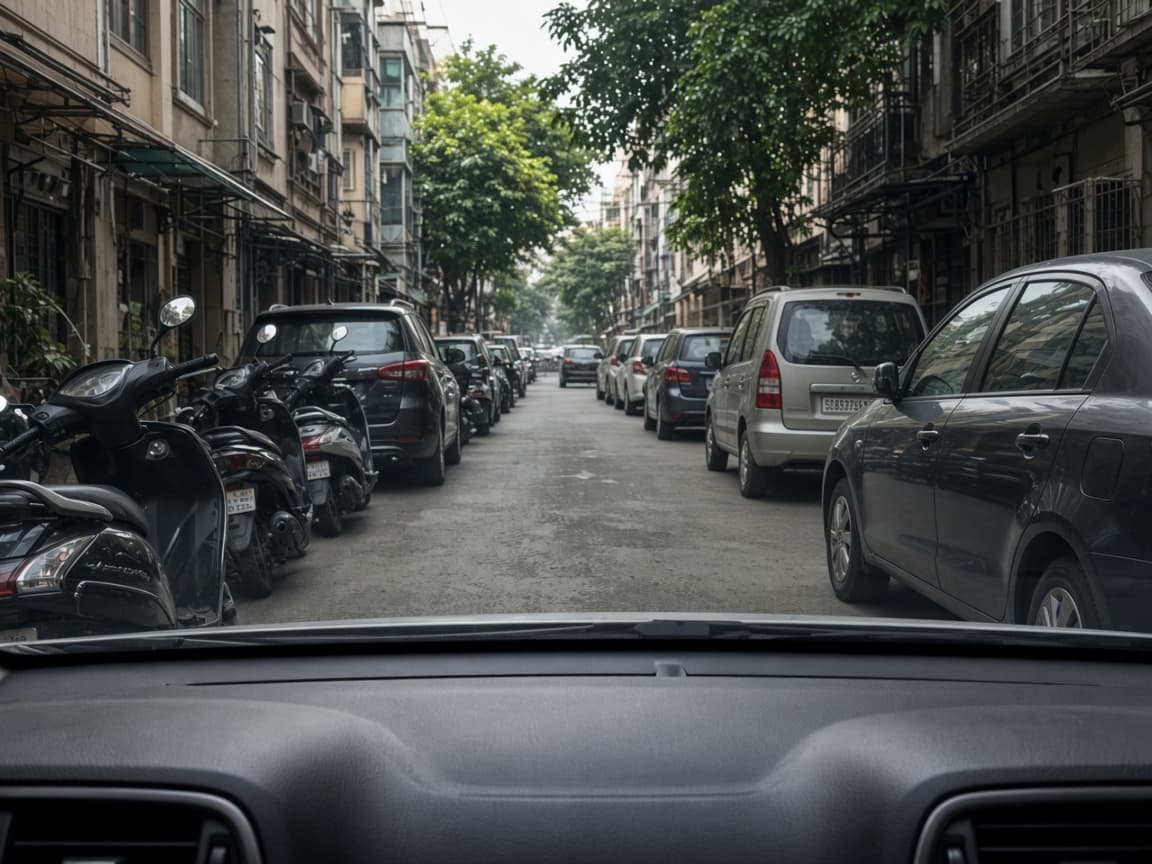
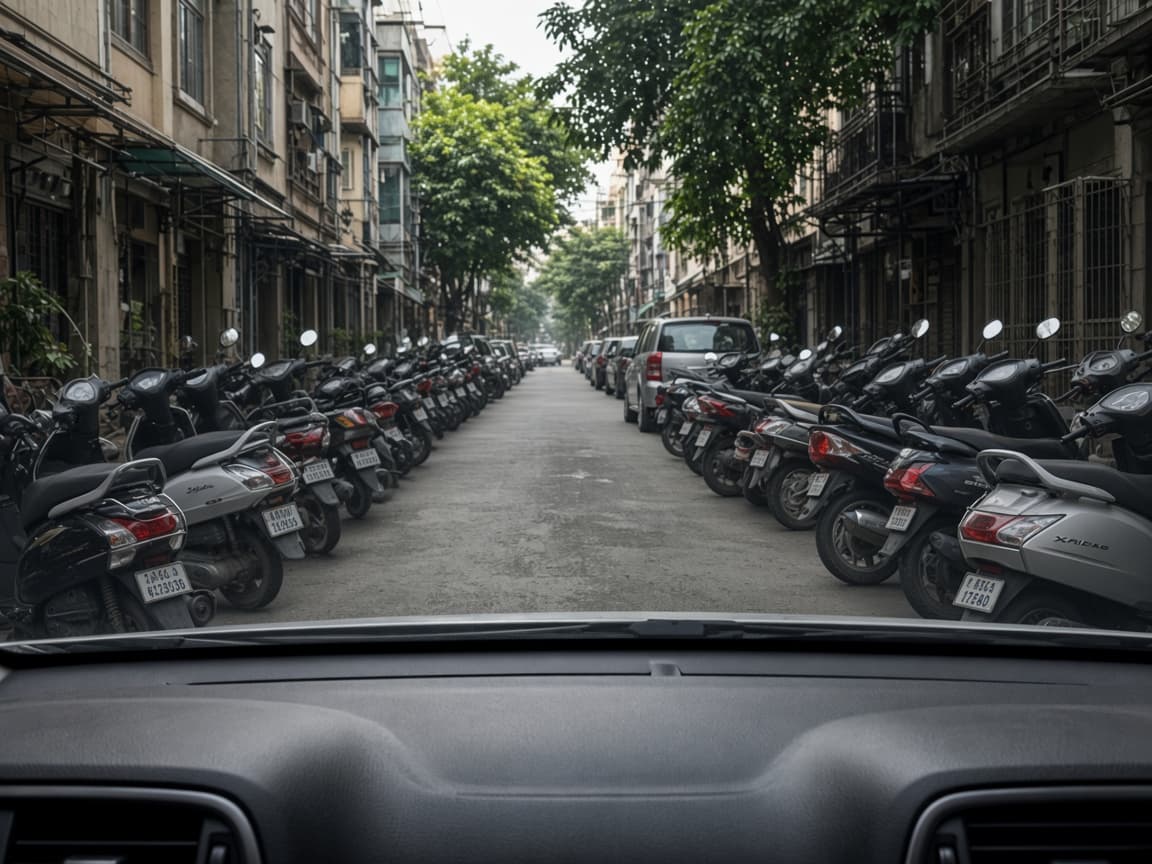
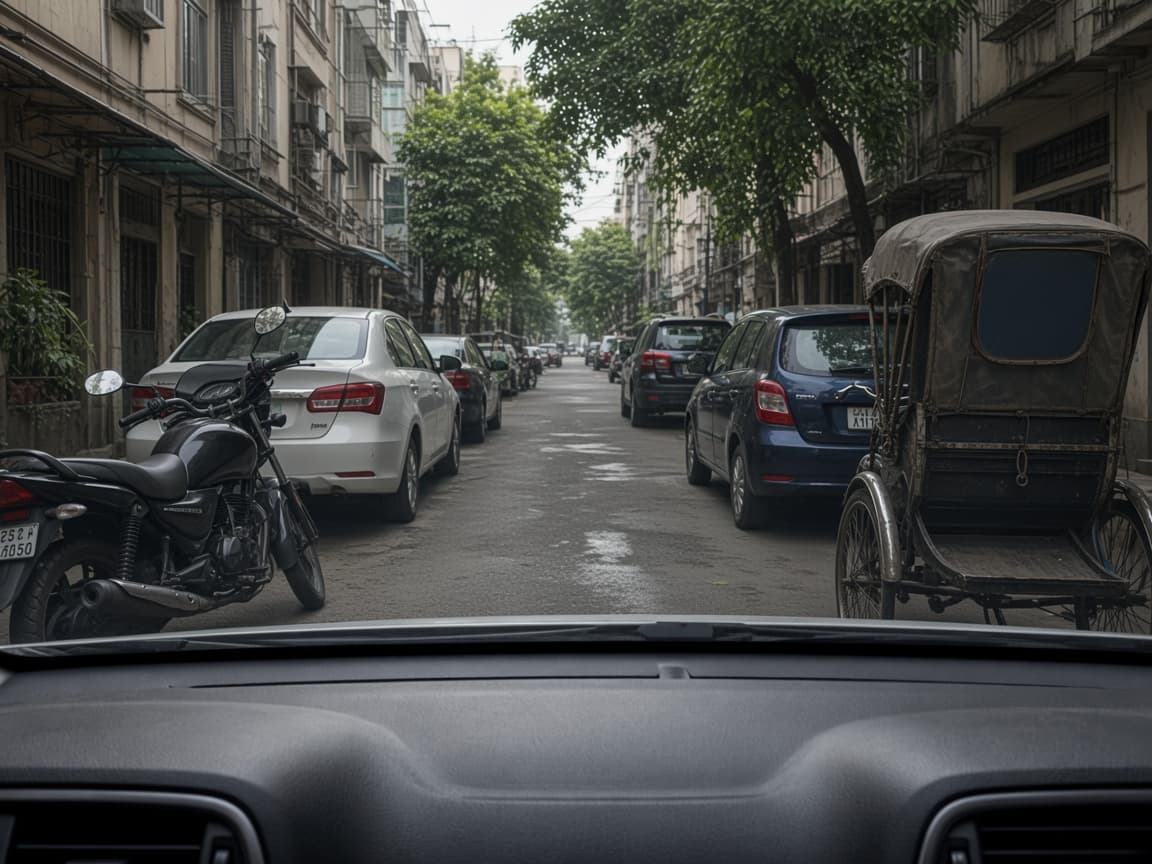
Same left and right.

Driver view with scooters close on the left and cars and a van close on the right
LEFTRIGHT
Driver view with scooters packed close on the left and the right
LEFTRIGHT
Driver view with a motorcycle and cars close on the left, and a rickshaw and cars close on the right
LEFTRIGHT

PARKED ALIGN

Parked Align. That is the whole product.

You set the picture while still. Then you drive looking out. Nothing is fitted to the vehicle. If you wanted sensors, lane-keep, or a dashcam, this is the wrong product.

  1. 01

    Park

    Mount the phone in this cabin. A dash or vent mount that will not move.

  2. 02

    Align

    Drag the guides to the paint you can see. About 60 seconds. That is Parked Align.

  3. 03

    Look out

    Drive with your eyes on the road. The overlay is a glance, not a beep or a brake.

BEFORE YOU PAY

What you do not get.

  • No sensors, lane-keep, or collision warning — it does not brake, steer, or beep
  • No dashcam, GPS, or maps — it does not record or navigate
  • No kit from us — you mount your own phone and keep it there while driving
  • Not a set-and-forget factory system — and not a substitute for looking at the road

PRICE

$41 once. Then the next cabin.

One scrape, one clipped mirror, or one extra lesson usually costs more than this.

ONE PAYMENT

$41

USD · once · no subscription, no hardware

Park. Mount the phone you already own. Put guides on the paint you can see. Then look out. The overlay lives on the phone, so the next rental does not need a shop visit.

  • First Align: 60 seconds, parked.
  • Next rental car, next tight road — same overlay, new Align
  • Use a dash or vent mount that stays put. If you already have one, you are done. A phone in a cup holder is not the product — if the phone moves, the lines lie.

PARKED FIT

Parked Fit: Align once while parked. If the overlay cannot start on a supported iPhone or Android browser, or you cannot get the lines onto paint you can see, we refund.

Not if you wanted sensors, or skipped Align after changing cars.

NOT SURE

Ask about this drive.

What you are sitting in, whether you know the roads, and how tight it is. The quiz names a preset, or tells you to skip.

Check this drive

QUESTIONS

So the purchase feels calm.

01What am I actually buying?+

Parked Align: a phone overlay. You mount the camera you already carry, put guide lines on the paint while parked, then drive looking out. Narrow road, an edge, a following gap, or a turn. It is not hardware for the car and it is not a safety system.

02How long does the first Align take?+

About 60 seconds while parked. Mount the phone where it will stay, start with Narrow road (or the preset we named for this drive), drag the lines to the paint you can see, tap Align. Change cars or move the mount and you do that minute again — not a new purchase.

03Is this lane-keep, parking sensors, or collision warning?+

No. Guides do not brake, steer, beep, or keep you in lane. If you want those, this is the wrong product — and we will not refund on that basis.

04How do I install it on Android or iPhone?+

Open https://app.roadline.site on the phone, then put the icon on the Home Screen. On Android, use Chrome. Tap Install when it offers, or open the Chrome menu and choose Install app or Add to Home screen. On iPhone, use Safari. Tap Share, then Add to Home Screen, and open Roadline from the new icon. The icon starts the camera the way an app would. You can also leave it in the browser and open the same page each time.

05Why is there no iOS app?+

You open Roadline in the browser. Any device with a browser and a camera can run it — an iPhone, an Android phone, a rental, a borrowed handset — with no store download and no account. Add the page to the Home Screen and the icon sits with your other apps. The overlay and your profiles stay on that phone.

06When do you refund?+

Parked Fit: if the camera overlay cannot start on a supported iPhone or Android browser, or you parked, mounted, and still cannot get the lines onto paint you can see. Not if you expected sensors, did not mount the phone, adjusted lines while moving, or skipped Align after changing cars.

Still on the fence? Check if Roadline is for this drive.